 Türkçe
 English
 Deutsch
 Français
 Español
 Italiano
 Português
 Polski
 Русский
 Українська
 العربية
 ქართული
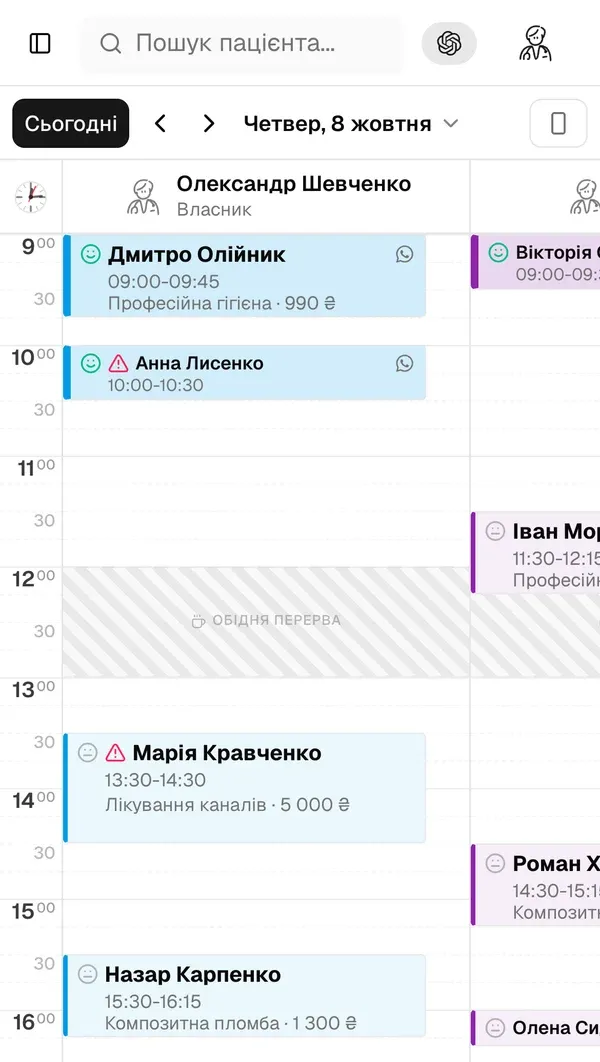
Cloud-based dental software runs in your browser with patient data on remote secure servers; desktop software runs from a local machine with data on a hard drive. Cloud platforms cost the same or less over 3 years, offer automatic backups, multi-device access, and built-in compliance, which is why over 60% of new dental practices in 2025 chose cloud-first architecture (ADA Technology Survey 2025).
Why the shift is happening now
For decades, dental clinics relied on desktop software installed on a single workstation. Data lived on a local hard drive, backups were manual, and accessing patient records from home was impossible. That era is ending.
Cloud-based systems now power more than 60% of new dental practice setups globally. Here’s why, and what you should consider before switching.
The core differences
Desktop software stores data locally. You buy a license once, install it on specific machines, and manage your own backups and updates. It works without internet but ties you to a physical location.
Cloud software stores data on secure remote servers. You pay a monthly subscription, access it from any browser or device, and updates happen automatically. Your data is backed up continuously.
Cost comparison
Desktop software typically requires a large upfront payment, often $3,000–$8,000, plus annual maintenance fees and IT costs to manage hardware. When a hard drive fails, you may lose data.
Cloud software uses predictable monthly billing. No hardware investment. No IT team needed. Updates are included.
Over three years, most clinics find cloud software costs the same or less, with significantly less operational risk.
Security
This is where many dentists hesitate. “My data is safer on my own computer.”
In practice, the opposite is true. Cloud providers maintain military-grade encryption at rest and in transit, automatic daily backups with 99.9% uptime SLAs, and dedicated security teams monitoring infrastructure around the clock.
A laptop stolen from your front desk is a data breach. A cloud server in a professional data center is not.
When desktop still makes sense
- Your clinic has no reliable internet connection
- You operate in a heavily regulated environment requiring on-premise data storage
- You have an existing large investment in desktop software with no immediate pain points
Conclusion
For most clinics, especially those growing, opening new branches, or hiring remote staff, cloud software is the clear choice. The question is no longer whether to move to the cloud, but when.