 Türkçe
 English
 Deutsch
 Français
 Español
 Italiano
 Português
 Polski
 Русский
 Українська
 العربية
 ქართული
Appointment scheduling automation uses drag-and-drop calendars, automatic SMS/WhatsApp reminders, recurring appointment templates, wait lists with auto-fill, and conflict detection to eliminate double-bookings and reduce no-shows by 50–60%. Modern dental practice management software handles all of this without manual intervention.
Why Manual Scheduling Holds Clinics Back
Most dental clinics still rely on phone calls and paper calendars to manage appointments. It works, until it doesn’t. Double bookings, missed reminders, staff spending hours on the phone instead of helping patients in the chair.
The good news: automating your appointment flow is simpler than it sounds, and the results show up fast.
1. Move to a Shared Digital Calendar
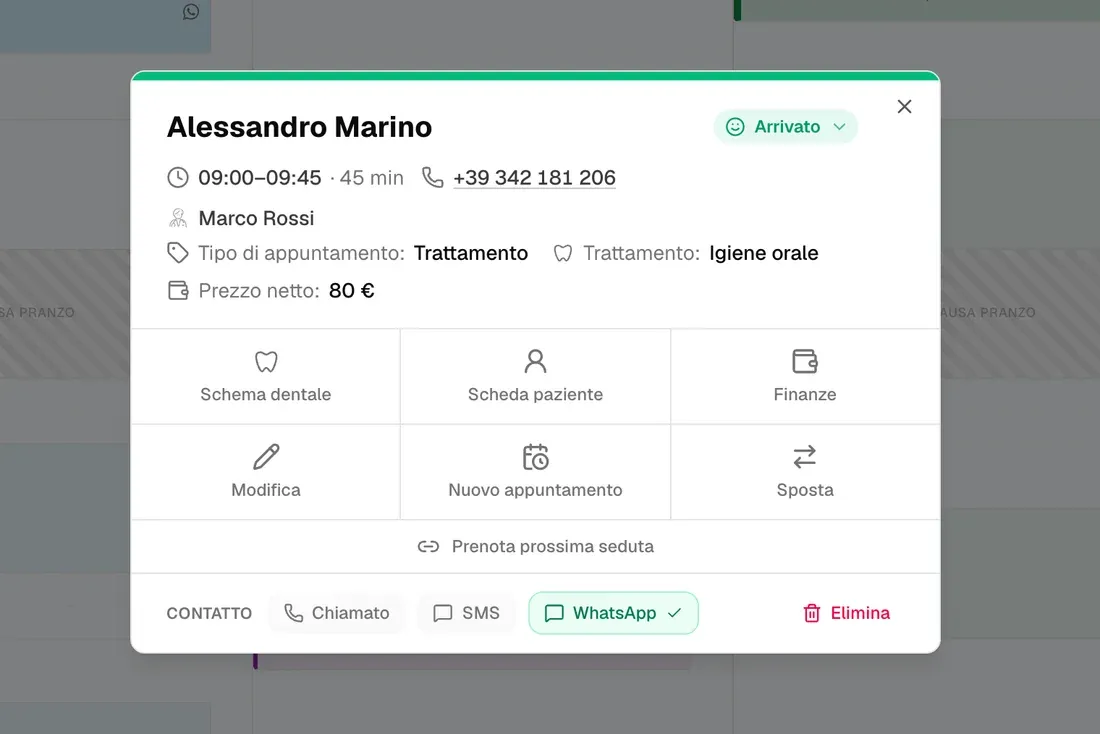
The first step is getting off paper. A shared digital calendar means every team member sees real-time availability. No more “let me check with reception” while a patient waits on the line. Every booking, cancellation, and change is visible to everyone, instantly.
2. Set Up Automated Reminders
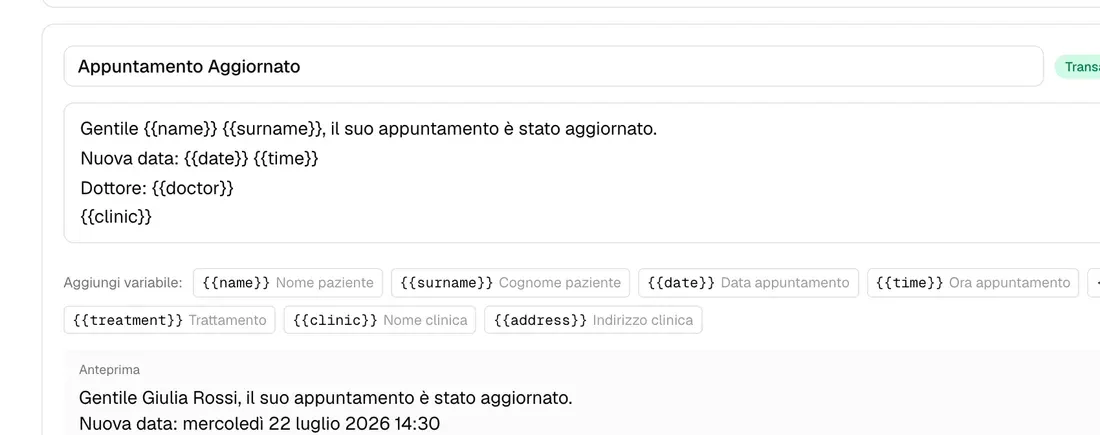
No-shows cost the average dental clinic 8–12% of daily revenue. Automated SMS and WhatsApp reminders sent 48 hours and 2 hours before an appointment cut that number significantly without any manual effort.
Timing matters: one reminder the day before, one the morning of. More than that and patients start ignoring them.
3. Add an Online Appointment Request Form
Patients increasingly expect to book services online. Even a simple “request an appointment” form on your website reduces inbound calls and captures leads outside office hours. Your team reviews requests each morning and confirms by text, a five-minute task.
4. Build Recurring Templates for Follow-Up Visits
For recall appointments, 6-month check-ups, post-treatment follow-ups, create recurring templates. When a patient finishes treatment, book the follow-up before they leave the chair. Automated reminders handle everything after that.
5. Use a Waitlist for Cancellations
Cancellations happen. Instead of letting those slots go empty, keep a digital waitlist. When a spot opens up, the system notifies the next patient automatically. Clinics using waitlist automation fill 60–70% of cancelled slots the same day.
6. Block Time Strategically
Not every hour needs to be open for new bookings. Reserve blocks for urgent care, admin, or consultation time. Build your schedule around how your clinic actually operates, not just around incoming patient requests.
7. Review the Numbers Weekly
Automation isn’t a one-time setup. Check your fill rate, no-show rate, and busiest hours each week. Adjust reminder timing, add or remove blocks, and refine over time. Most clinics see measurable improvement within 30 days of consistent tracking.
What to Look For in Scheduling Software
Not all clinic software handles scheduling equally. The essentials:
- Calendar sync across multiple doctors and locations
- Automated reminders via SMS and WhatsApp, not just email
- Waitlist management built in, not bolted on
- Mobile access so you can check and edit from anywhere
- No-show tracking to identify which patients need a deposit requirement
Getting these right is the difference between a schedule that manages you and one you actually control.